
Category: Workflows
-
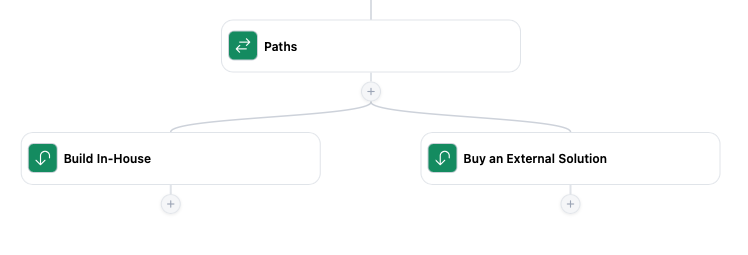
Should You Build Workflow Automation In-House or Buy an Existing Solution?
Adding workflow automation to your SaaS product used to mean committing months of engineering time to building a workflow engine, designing an editor, and connecting everything to your existing application. AI-assisted development has changed that calculation. As you can imagine, this is something we have really paid attention to at Embed, as our fundamental business…
-
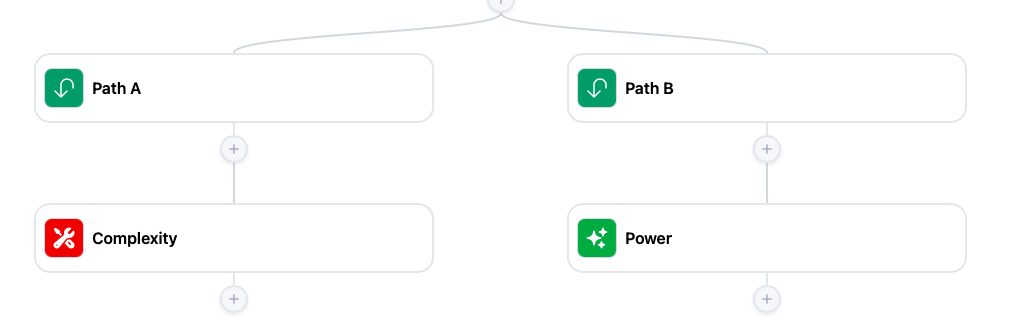
How to Make Your SaaS More Powerful… Without Adding Complexity
Suppose you sell scheduling software. One customer wants clients to pay a deposit before booking, another needs a manager to approve certain appointments, and a third wants to contact clients who have not booked again after six weeks. What to do? You could build each request as a separate feature. But each one brings settings,…
-

Who Should Own Workflows in a Multi-User SaaS Product?
When you first add workflow automation to your SaaS, ownership seems straightforward. A user creates a workflow, so it belongs to that user. That works until someone builds an automation their whole team depends on. wMaybe a sales manager creates a lead assignment process. Or someone in finance sets up overdue invoice reminders. The workflow…
-

Can You Replace Zapier With a White Label Workflow Builder?
Yes, you probably can replace Zapier with a white-label workflow builder if your main goal is giving users automation directly inside your own product. The bigger question is – what you actually mean by “replace Zapier?” If you mean recreating every possible integration and automation across thousands of unrelated apps, probably not. Zapier is an enormous…
-

White Label Zapier Alternatives That Don’t Use iFrames
If your goal is to make workflow automation feel like a native feature of your SaaS, avoiding iframe-based solutions is often a priority. Here are several white-label Zapier alternatives that take different approaches to embedded automation. What Do You Mean by White Label? A lot of “white-label” automation products are not really white-label in the…
-

What to Consider Before You Add Workflow Automation to a SaaS Product
Adding workflow automation to a SaaS product usually seems fairly manageable at first. Most teams picture a few triggers, a few actions, maybe a workflow builder UI, and some simple automations users can configure themselves. Then the project grows, and grows, and grows, and pretty soon, your little idea of adding workflow automation has become…
-

How Embedded Workflow Automation Changes SaaS User Behavior
An entrepreneur sees that a new user signed up to his product, so he sends a follow-up email. Then creates a reminder in his CRM. Then notifies a teammate in Slack. After doing this fifty times, he stops thinking, “This is part of my workflow,” and starts thinking, “Why am I still doing this myself?”…
-

Getting World Cup Updates in Slack
With the World Cup happening during work hours, I wanted score updates in Slack instead of another tab or another app. I also wanted an excuse to dogfood our workflow builder and see what it might look like if a sports SaaS embedded it for their own users. So I spent an afternoon building it.…
-

Why You Shouldn’t Use iFrames to Embed Workflows in Your SaaS App
iFrames seem like the obvious way to add workflow automation to a SaaS app quickly. You drop another application into a page, pass authentication through somehow, and technically the workflow builder is now “inside” your product. At first glance, it feels like the fastest possible implementation. The problem is that users can usually tell immediately…
-

Why Simple Workflows Outperform Complex Automation Systems
People don’t evaluate automation systems based on what they could do. They evaluate them based on whether they can get one thing working right now – without thinking too much about it.